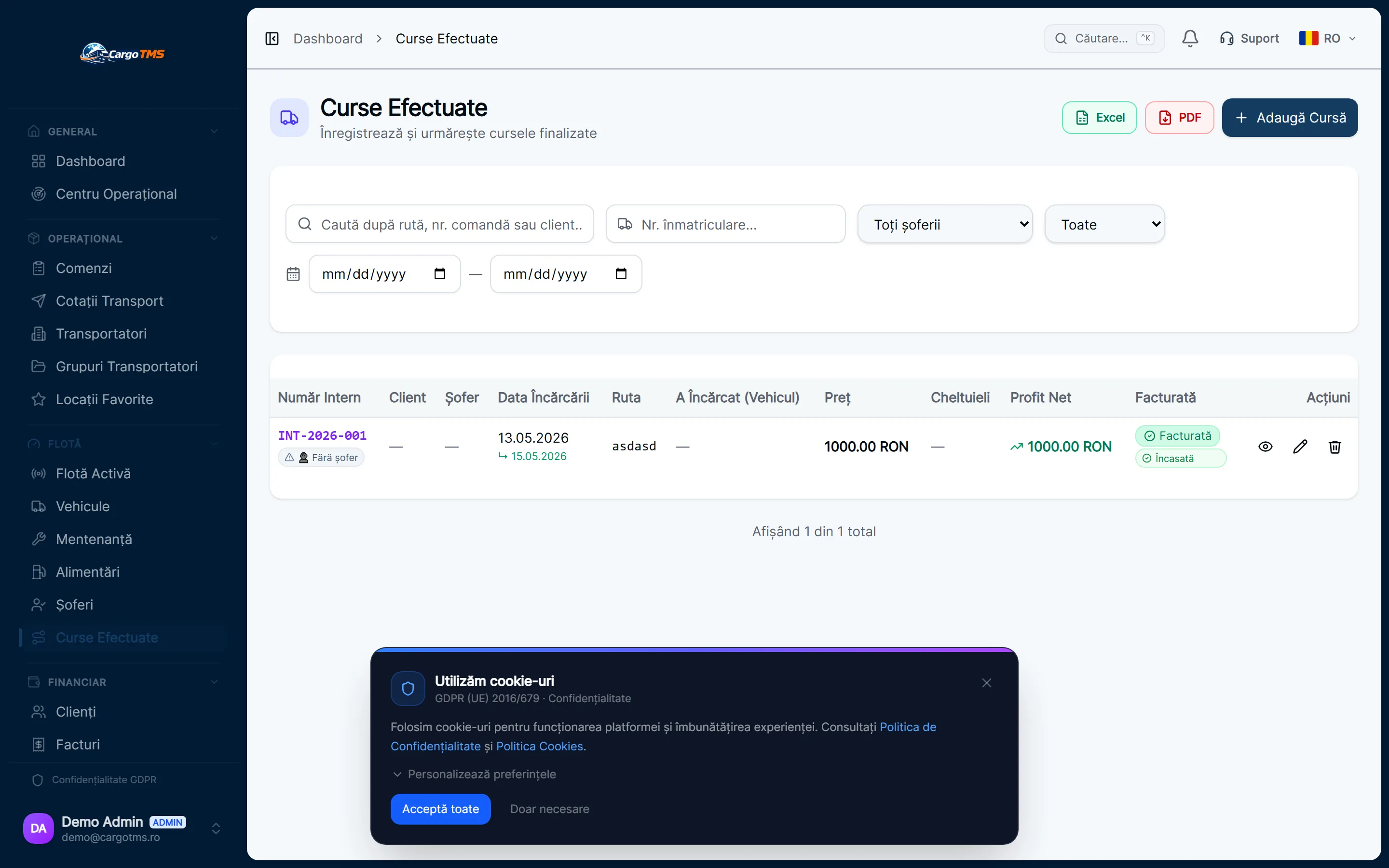
Fuel tracking in CargoTMS is built around the operational workflow rather than as a separate reporting module. Fuel events are recorded as part of normal operations, linked to the entities they belong to, and visible in context — alongside the trips and drivers they relate to.
Register Fuel Cards
Each driver's fuel card is registered in CargoTMS under the driver profile. Multiple cards per driver are supported. Cards are linked to the vehicle the driver operates, creating an automatic attribution chain for all future transactions.
Record Refueling Events
Fueling events are recorded with: date and time, vehicle, driver, quantity in liters, total cost and odometer reading if available. They are entered by the driver from the portal or by the office, together with the card used. L/100 km consumption is calculated automatically from the odometer.
Automatic Flags for Suspicious Fuelings
CargoTMS calculates L/100 km consumption from the odometer against the previous fueling. Unusually high consumption, unrealistic quantities and use of a deactivated card are flagged automatically in the fueling log. No manual comparison is required.
View Consumption and Cost per Trip
L/100 km consumption is shown on every fueling, and the log can be filtered by vehicle and driver for comparison. For cost per trip, add fuel as a trip expense — it then appears in the executed trips view and in trip profit.
Review Fleet Fuel Reports
The fleet fuel view aggregates consumption data for the whole fleet for any selected period. It shows total fuel spend, liters and consumption per fueling, filtered by vehicle, driver and period — giving management a complete view of fleet fuel economics without manual data collection.
📝 Good to know
- Assign every fuel card to the correct driver so fuelings carry the card used.
- Enter the odometer on every fueling — without it, L/100 km consumption cannot be calculated.
- Cost-per-km calculations improve in accuracy over time as the system builds historical baselines for each vehicle.
help.faq_title
Can I import fuel data from my fuel card provider?
Not at the moment. Fuelings are logged from the driver portal or by the office. Automatic import from card providers is planned.
What makes a fueling get flagged?
A fueling is flagged when the consumption calculated from the odometer is unusually high, when the quantity is unrealistic, or when a deactivated card was used.
Is fuel tracking linked to driver trip records?
Not automatically. Fuelings are linked to the vehicle, driver and card. For trip profitability, fuel is added as a trip expense alongside the other expenses.
See this workflow in action
Request a free personalised demo and we'll walk you through this exact workflow in your context.
🚀 Request Free Demo