⛽ Fuel Management

Full Fuel Cost Control Across Your Entire Fleet

Track every fueling, assign fuel cards to drivers, see real L/100 km consumption per vehicle and get flags for suspicious fuelings — all in one place.

Per vehicle
Cost tracking
Auto
Anomaly detection
L/100 km
Consumption calculated automatically
⛽ Fuel Management

Full Fuel Cost Control Across Your Entire Fleet

Track every fueling, assign fuel cards to drivers, see real L/100 km consumption per vehicle and get flags for suspicious fuelings — all in one place.

Fueling Log per Vehicle

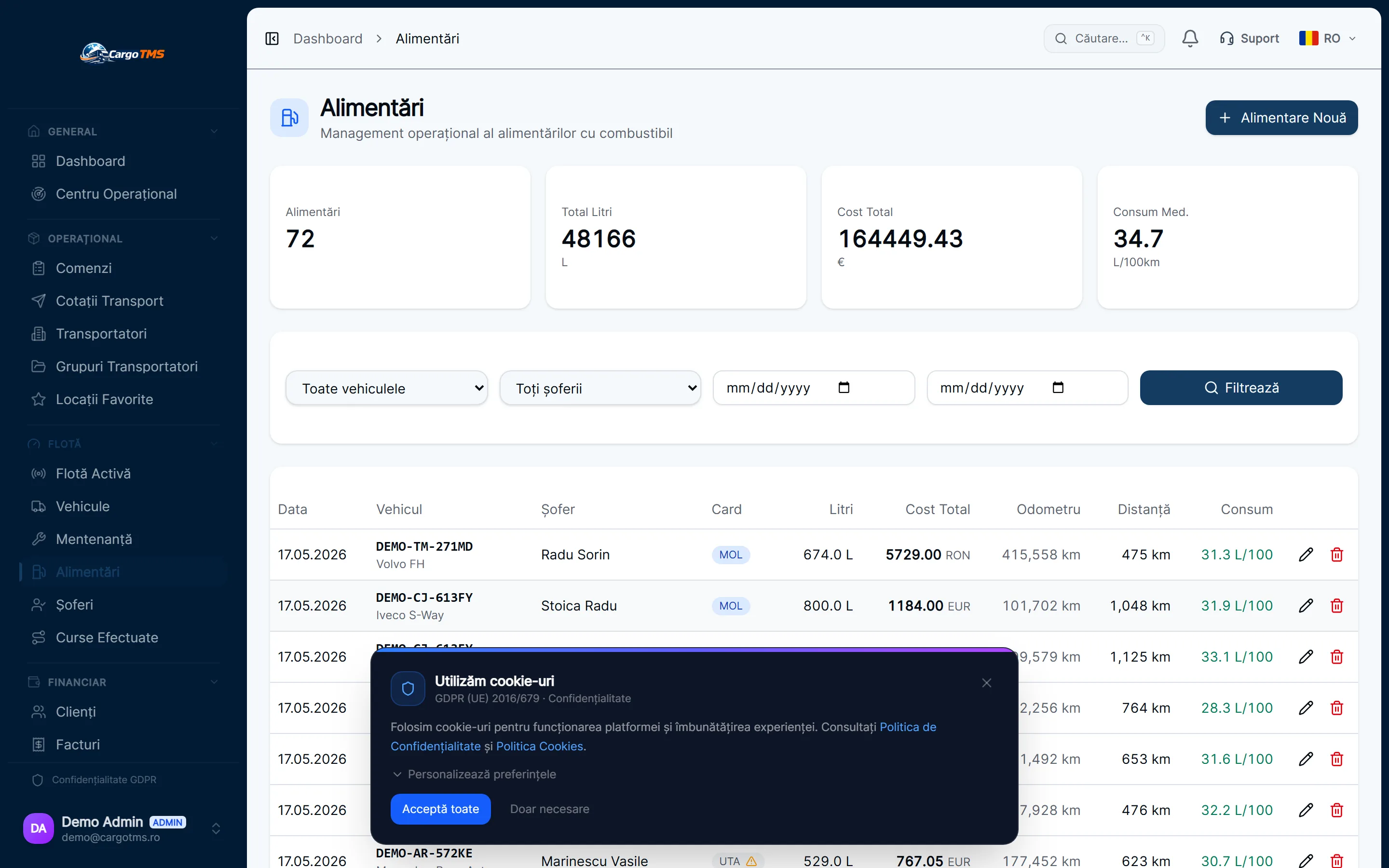
Every fueling is recorded with date, amount, cost, location and vehicle. Build a complete history of fuel usage across your fleet.

Fuel Card Assignment

Assign fuel cards to specific drivers or vehicles. Track which card was used for which fueling and spot unauthorized usage instantly.

Automatic Flags for Suspicious Fuelings

CargoTMS automatically flags fuelings with unusually high consumption, unrealistic quantities and use of a deactivated card. You review suspicious cases before they become a habit.

Real Consumption per Vehicle

From odometer readings, CargoTMS automatically calculates the distance since the previous fueling and real consumption in L/100 km. Quickly spot vehicles consuming above normal.

Fuel Expenses per Trip

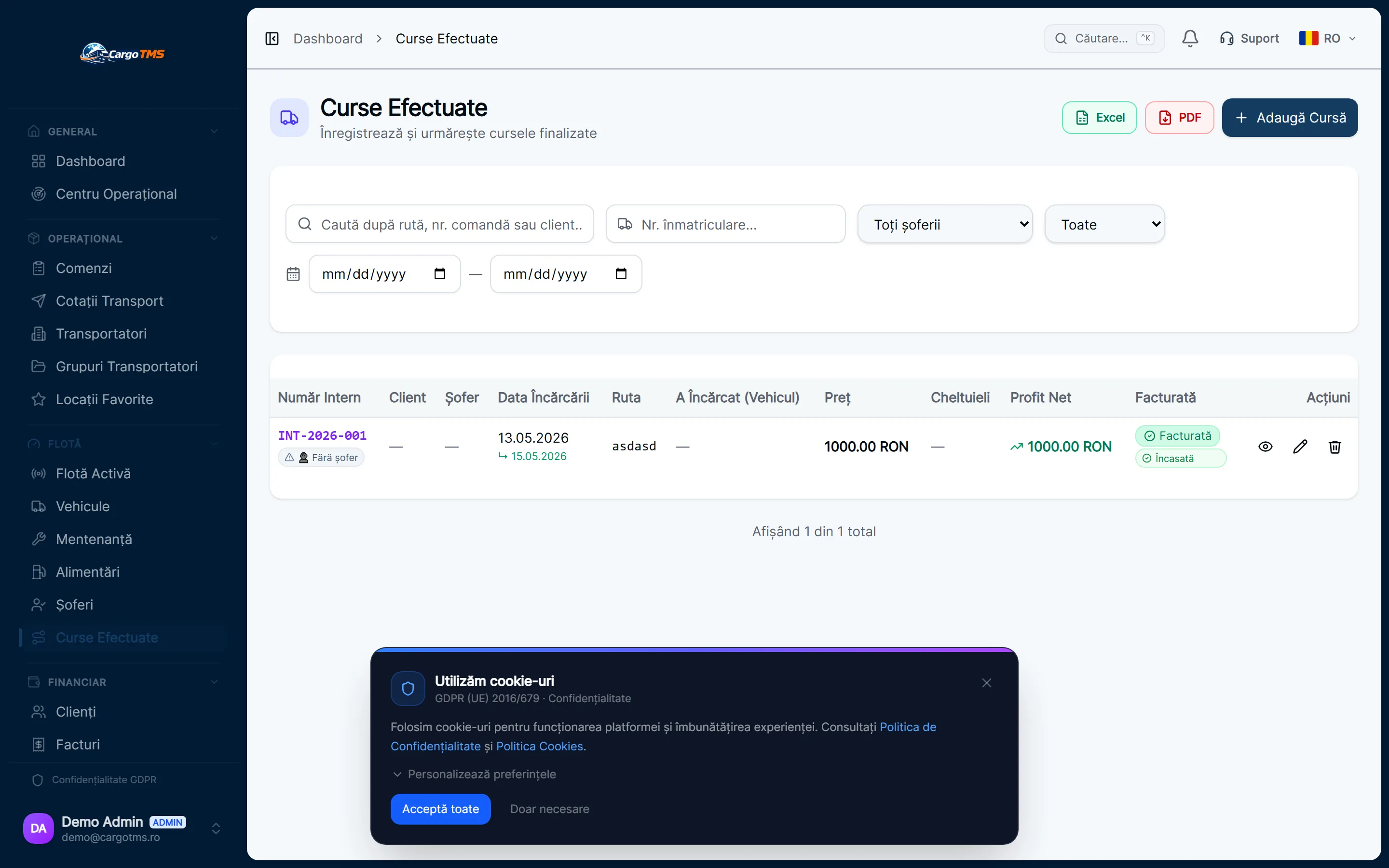
Alongside the fueling log, fuel expenses can be added directly to a trip, together with tolls and per diems, so you see the trip's total cost.

Filterable Log with Totals

Filter fuelings by vehicle, driver, period and fuel type and instantly see total liters and costs for your selection.
How it works

Full Fuel Cost Control Across Your Entire Fleet

01

Driver logs a fueling

From the driver portal or the office, every fueling is logged with quantity, cost, vehicle, card and odometer.

02

The system calculates consumption

CargoTMS calculates L/100 km consumption against the previous fueling and flags unusual values or inactive cards.

03

The manager reviews the flags

Flagged fuelings appear in the log so the manager can check them with the driver before settlement.

04

Totals at any time

Filter the log by vehicle, driver or period and instantly see total liters and cost — no manual Excel sheets.

Click to enlarge

Fuel Management

CargoTMS — Fuel management view showing fueling records and cost analysis per vehicle
Fuel management — fueling log, card assignments and cost-per-km tracking
CargoTMS — Fuel management view showing fueling records and cost analysis per vehicle — detaliu
⛽ Fuel Management

Full Fuel Cost Control Across Your Entire Fleet

Track every fueling, assign fuel cards to drivers, see real L/100 km consumption per vehicle and get flags for suspicious fuelings — all in one place.

🚀 Request Free Demo
FAQ

Frequently Asked Questions

Can I import fuel card data from external providers?
Not at the moment. Fuelings are logged by the driver from the portal or by the office, with the card used. Automatic import from card providers is planned.
How does anomaly detection work?
From the odometer, the system calculates L/100 km consumption against the previous fueling. Unusually high consumption, unrealistic quantities and use of a deactivated card are flagged.
Can I see fuel cost per vehicle and driver?
Yes. The fueling log can be filtered by vehicle, driver and period, with total liters and costs for the chosen selection.
Is fuel data included in overall trip profitability?
Yes, when they are added as trip expenses. Together with tolls and driver expenses you see the real profit per trip. The fueling log is separate and is not linked to trips automatically.

See it in action

Request a free personalised demo. We'll walk you through the platform with your specific use case.

🚀 Request Free Demo 💳 View Pricing

No commitment · No card required · Response within 24h

Related Modules

🚛 Fleet Management 📊 Transport Intelligence 📱 Driver Portal